security for browsing the web
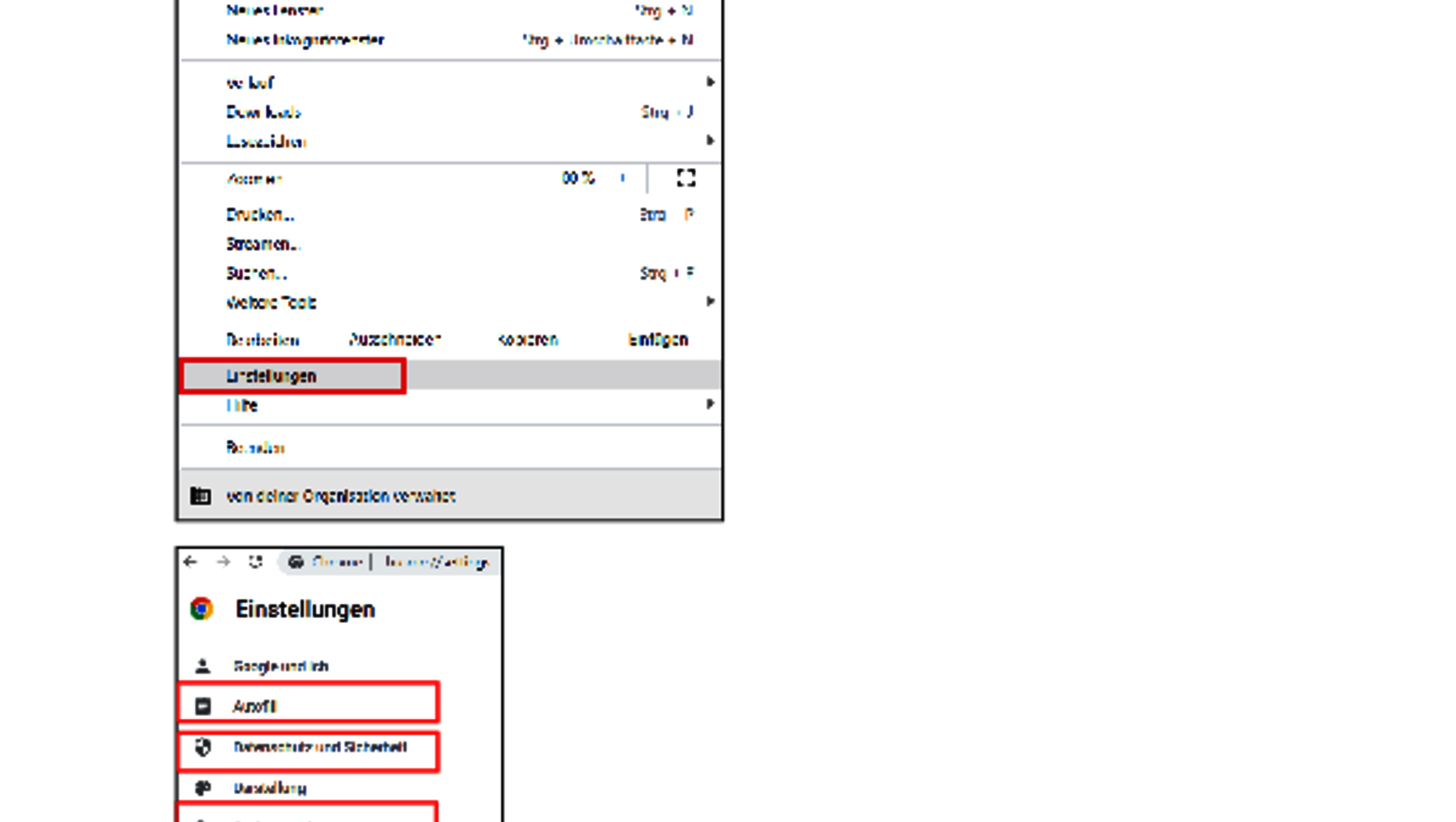
Browser settings
The internet browser is a program for displaying web pages or a user interface for web applications.
The browser processes a file provided by a web server (for example, an HTML file) and displays it on the requesting client (i.e., on the user's own computer).
Since the browser leaves a multitude of data traces or can be queried for specific information that can be analyzed and used for profiling the client (or person), it is recommended to activate various security and privacy features as well as block special functions.
Consider the following browser settings:
- Regularly clear browsing history
- Block third-party cookies
- Use "Safe Browsing"
- Allow only secure connections (https)
- Grant permissions for location, camera, microphone, and notifications only upon request
- Initially disable JavaScript and enable it only when explicitly necessary
- Block insecure content and ads
- Disable third-party logins
- Turn off the auto-fill feature for passwords, payment methods, and addresses
- Set a privacy-compliant search engine like Startpage.com
- Whenever possible, use the anonymous view for searches
- Install useful browser extensions
- Keep the browser constantly updated
You can also find all the information about browser settings clearly presented in this document.
Website Verification
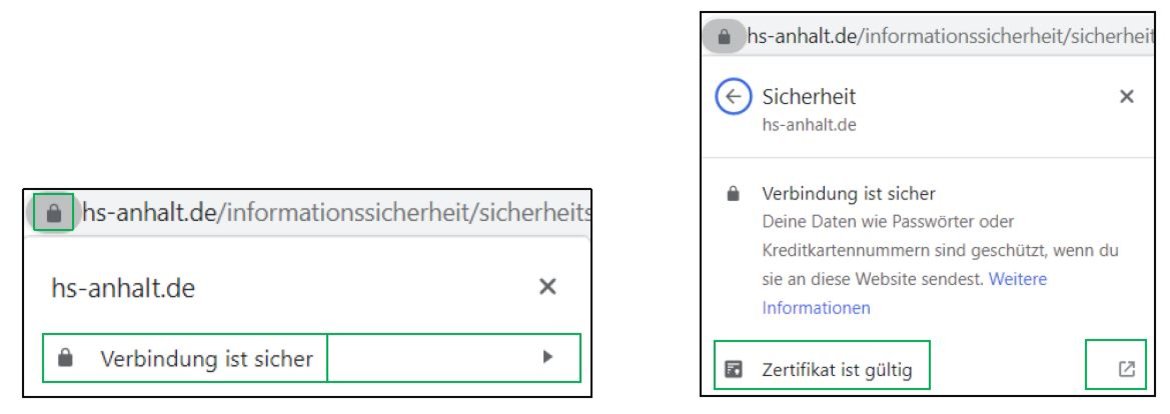
If you want to assess the trustworthiness of a website, the following checklist will help you:
- Look for the padlock in the browser’s address bar.
- If necessary, check the validity of the certificate provided.
- If a seal is displayed on the website, get more details by clicking on the seal. Typically, it should link to further information.
- You can also verify the proper installation of the certificate using external tools such as https://www.digicert.com/help/
- Look for an imprint, privacy policy, valid contact information, and pay attention to spelling and grammar on the website.
- Report fraudulent websites (https://safebrowsing.google.com/safebrowsing/report_phish/?hl=en) and inform yourself about known fake online shops at https://www.watchlist-internet.at/fake-shops/.
You can find all this information again in this document.
 © Susanne Nitschke @ HSA
The recommendations presented clearly.
The Consumer Advice Center has written a good article on the topic "browsing the internet anonymously":
 © ISI Schulungsteam@HSA
The recommendation for verifying websites clearly presented once again.
