Tips concerning the password
- Use a unique password for each important account.
- Create passwords using a combination of letters, numbers, and symbols.
- Avoid using personal information or common words in your passwords.
- Store your passwords in a secure location.
- Use a mnemonic to create a password, for example, "Since 2022 I am a student at HSA in Köthen!" becomes S20ZZIaas@HsAiK!
- You can also use a password card to generate a password.
- Alternatively, use the Diceware method and enhance the "rolled" words (at least 6 words) with a number and a symbol.
- For storing passwords, it is best to use a password manager (a program for storing your passwords with access through a single master password, e.g., KeePass, Bitwarden, LastPass).
- Keep all documents provided for your login in a secure location.
To change your password, you have the following options:
- through the password SelfService
- In the webmail program via the "gear icon" in the top right corner >>> Options
Your password must comply with the current guidelines!
You can find a detailed description in the knowledgebase within the ticketing system under "password".
If you have problems with logging in or changing your password, contact your designated administrator or open a ticket in the ticketing system, or send an email to support@hs-anhalt.de
Feel free to learn more about password security through comprehensive training materials. he training units were developed as part of the KMU Aware project, funded by the Federal Ministry for Economic Affairs and Energy under the "IT Security in the Economy" initiative.
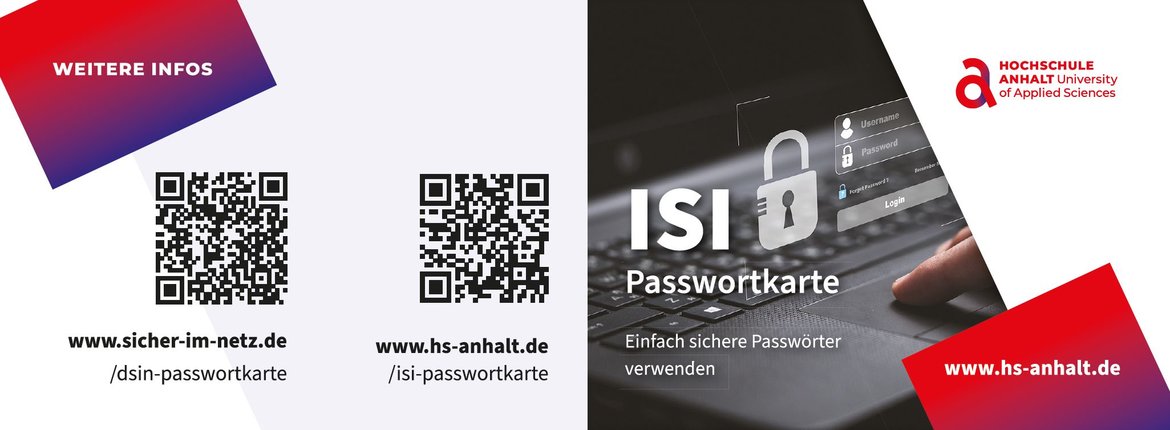 © HSA
© HSA
Print out your personal password card, create complex passwords easily that you can remember and always have with you.
 © https://passwort.podigee.io/
