Received a Phish? Clicked?
If you have received a phishing email, please report it to us.
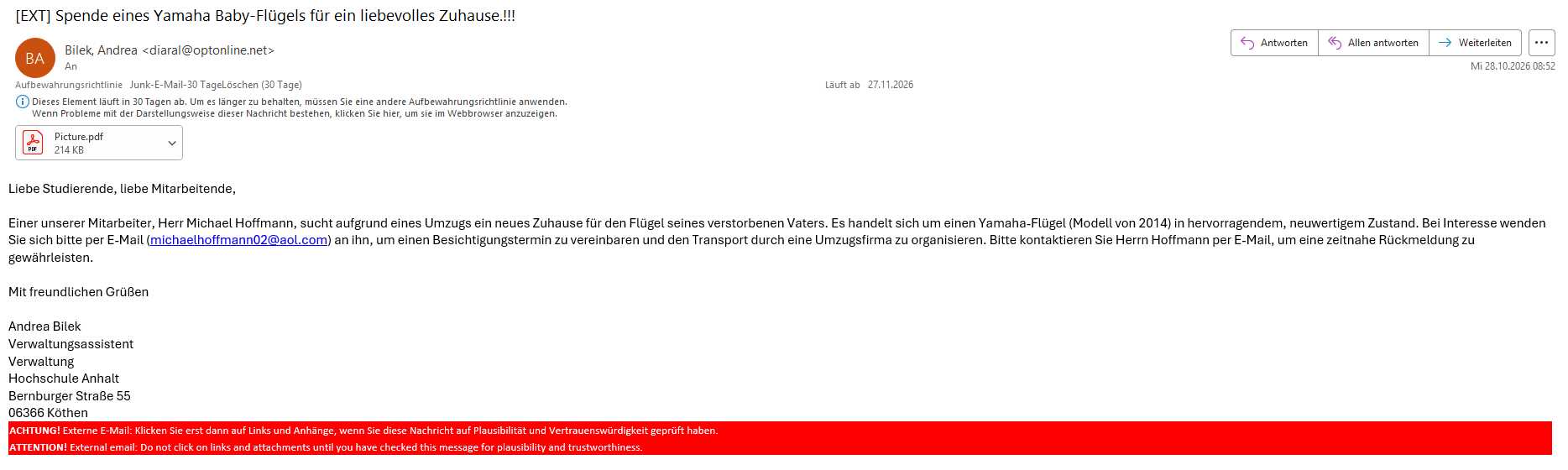
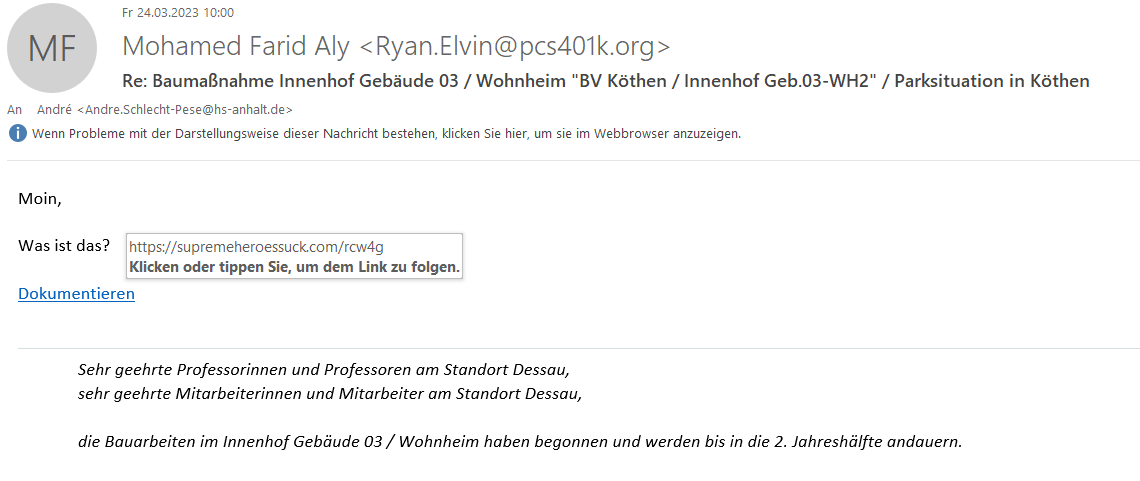
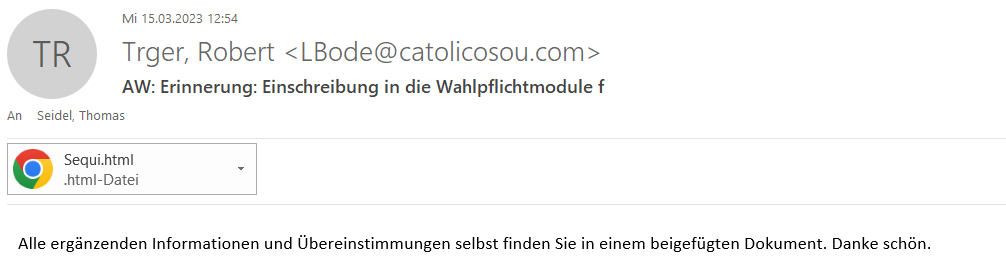
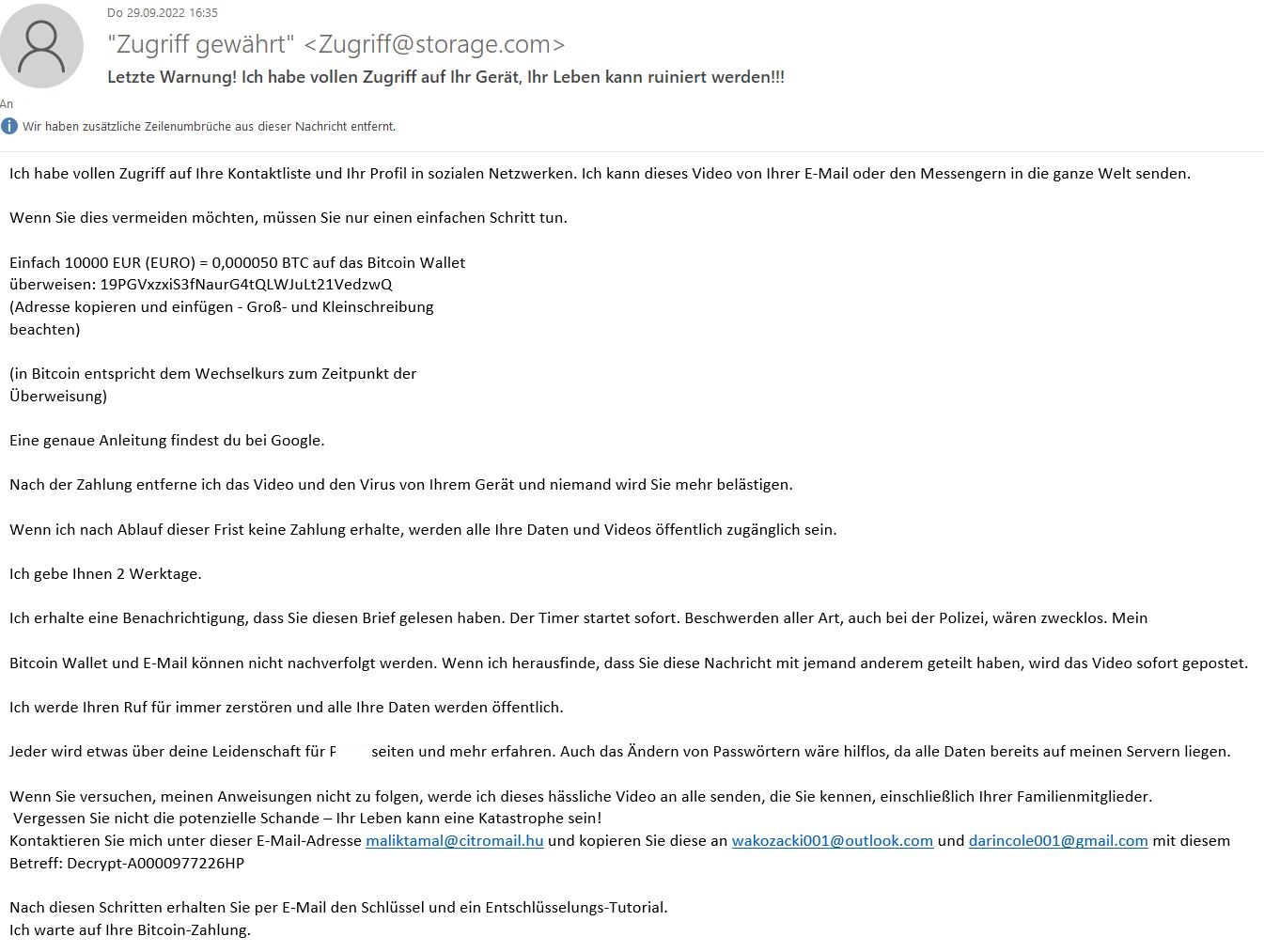
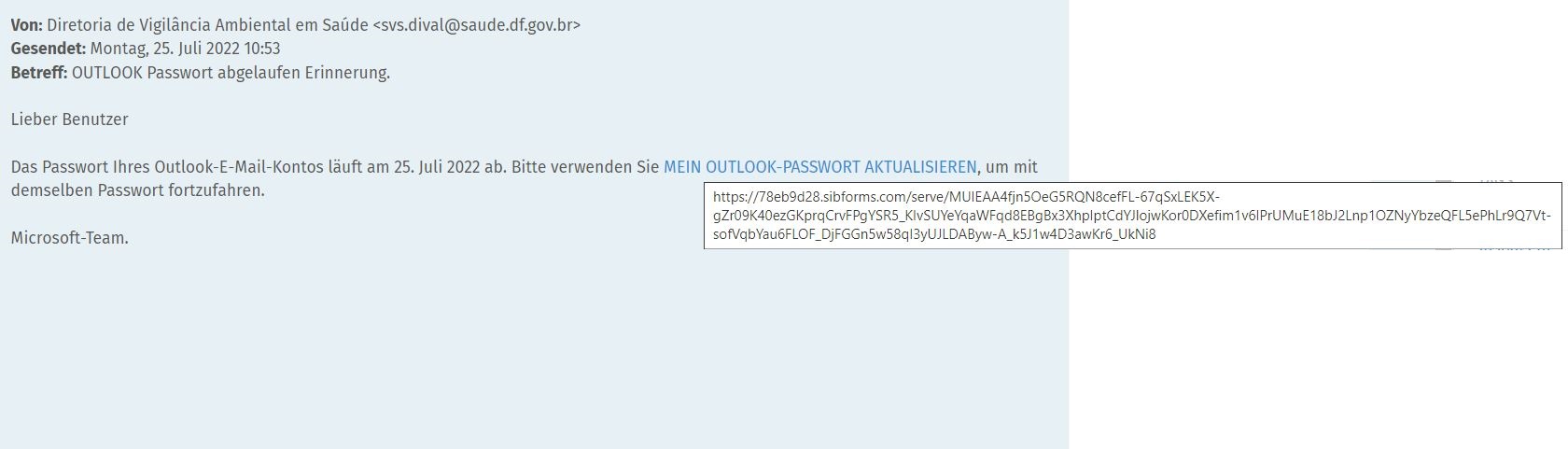
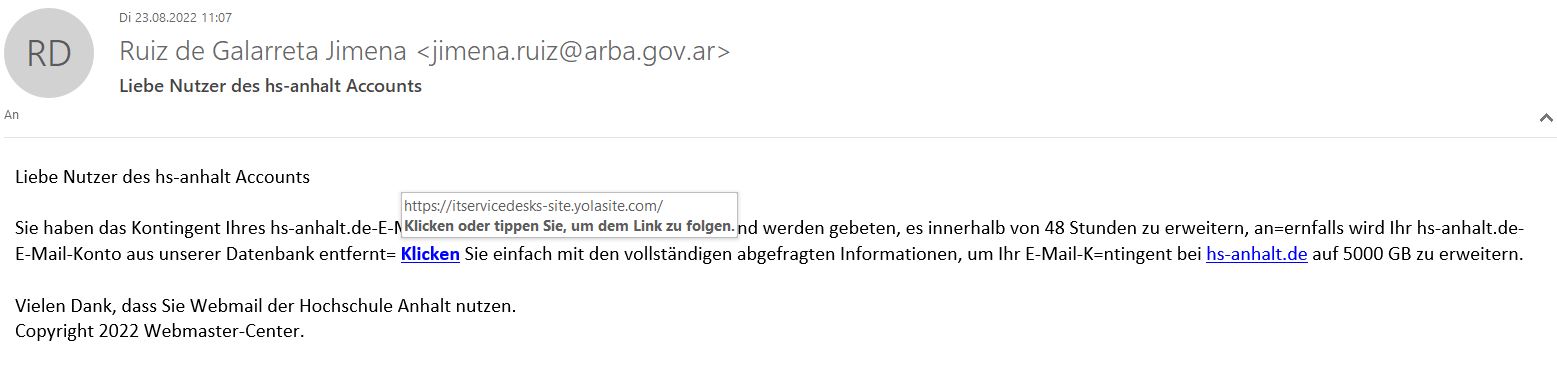
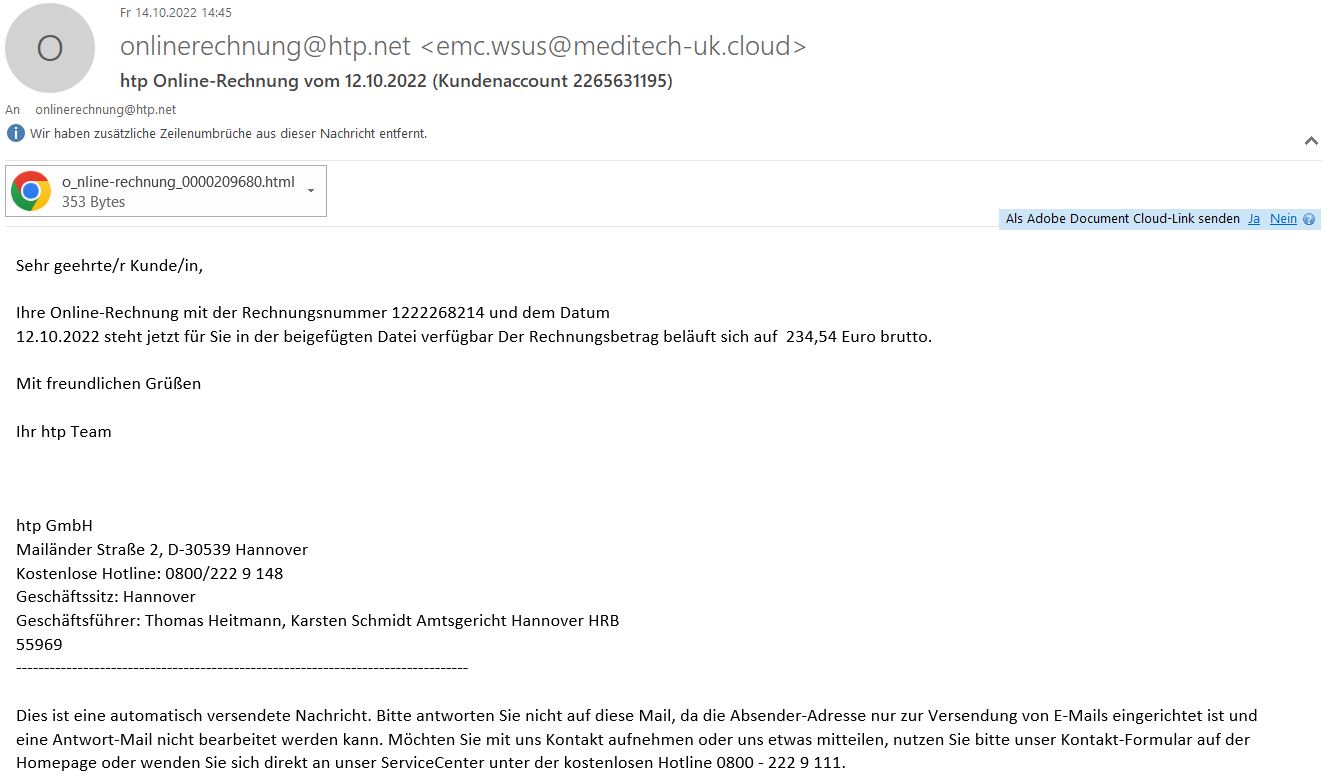
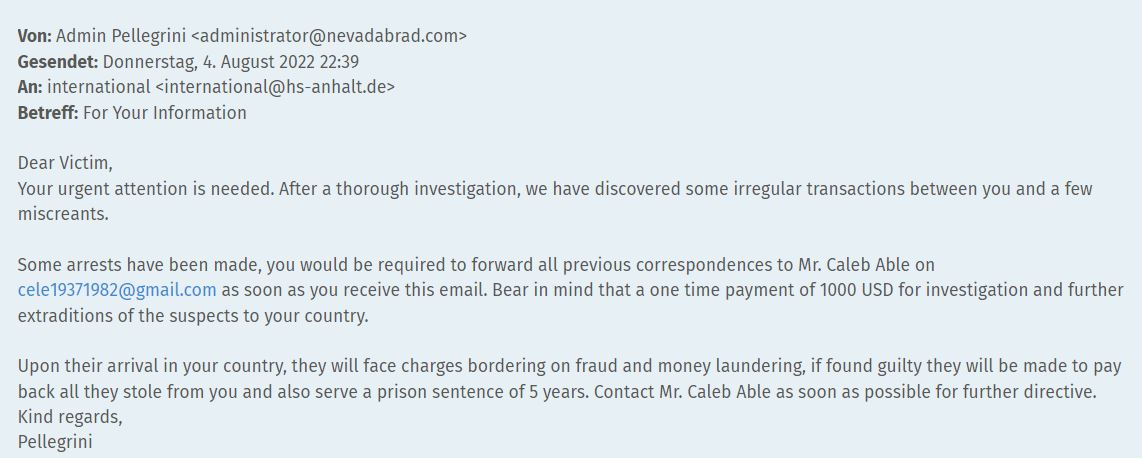
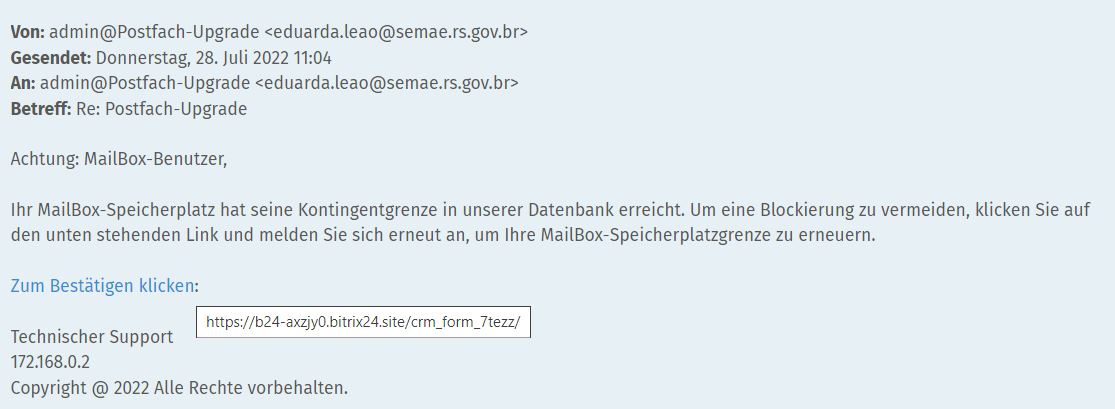
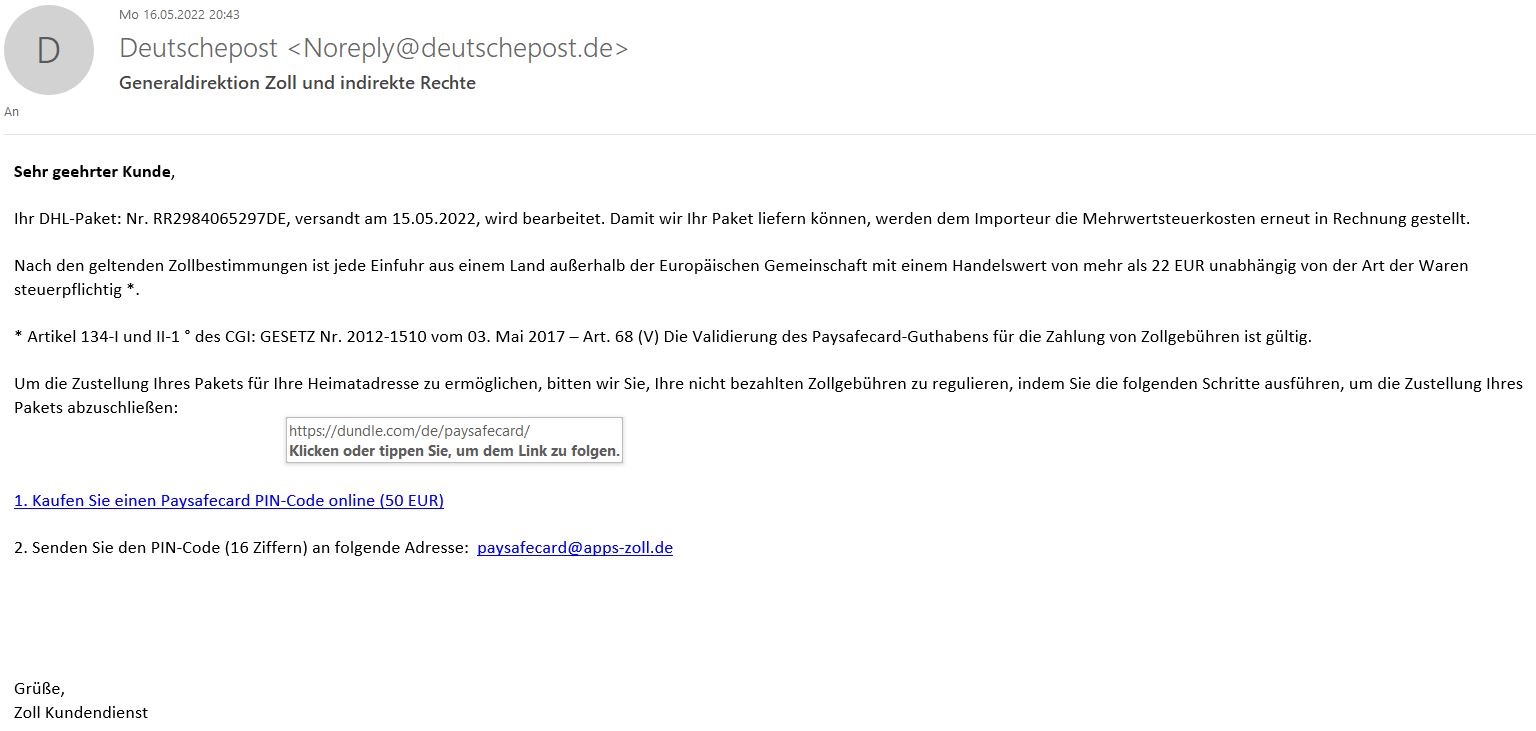
If it has appeared multiple times, you can find it in our "Phish-Bowl" further down in the tiles.
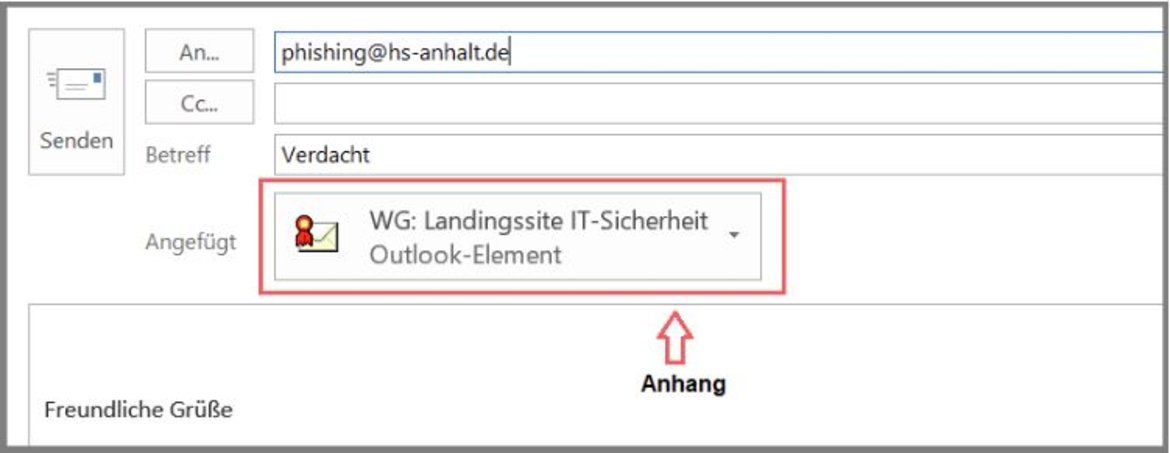
Otherwise, forward the email to us exclusively as an email attachment.
To do this, drag the suspicious email from your email program (e.g., Outlook) into a new email template (drag & drop) and send it to the relevant address.
Alternatively, use the "Forward as Attachment" button. This is usually found in the response and forwarding functions under "More" in most applications.
 © HSA
© HSA
Did You Click?
If you did click and entered your password, immediately change your password at the known locations (https://selfservice.hs-anhalt.de and https://mail.hs-anhalt.de) to a strong, secure password that complies with the guidelines (do not simply increment if a number was used, etc.). You can find a guide in the Support Portal. Please contact your responsible IT system administrator, who will critically check your system. It is not a shame if you fell for it. What’s worse is if the attackers gain access to further systems of the university and cause massive damage to HSA. By reporting the incident, we can potentially prevent more severe consequences together.
Phish-Bowl of Known Phishing Emails
Recommendations for Identifying Phishing Emails
- Do not click on a link immediately
- Check the link's target address by hovering over it
- Look at the grammar and language used
- Verify the validity of the signature certificate (red seal)
- Check the plausibility of the message
- Is the sender known?
- Does the email address exist?
- Do the sender's name and email signature match?
- Is there a sense of urgency being created?
- Could the claim in the message be true?
- Does the message fit the current context?
- Could the sender have realistically sent this to you?