Designing an effective and efficient literature search
Well-founded sources are essential for a successful paper. But how can you find suitable, qualified and thematically appropriate literature?
The following section presents various tips and techniques to facilitate and support the search for scientific literature.
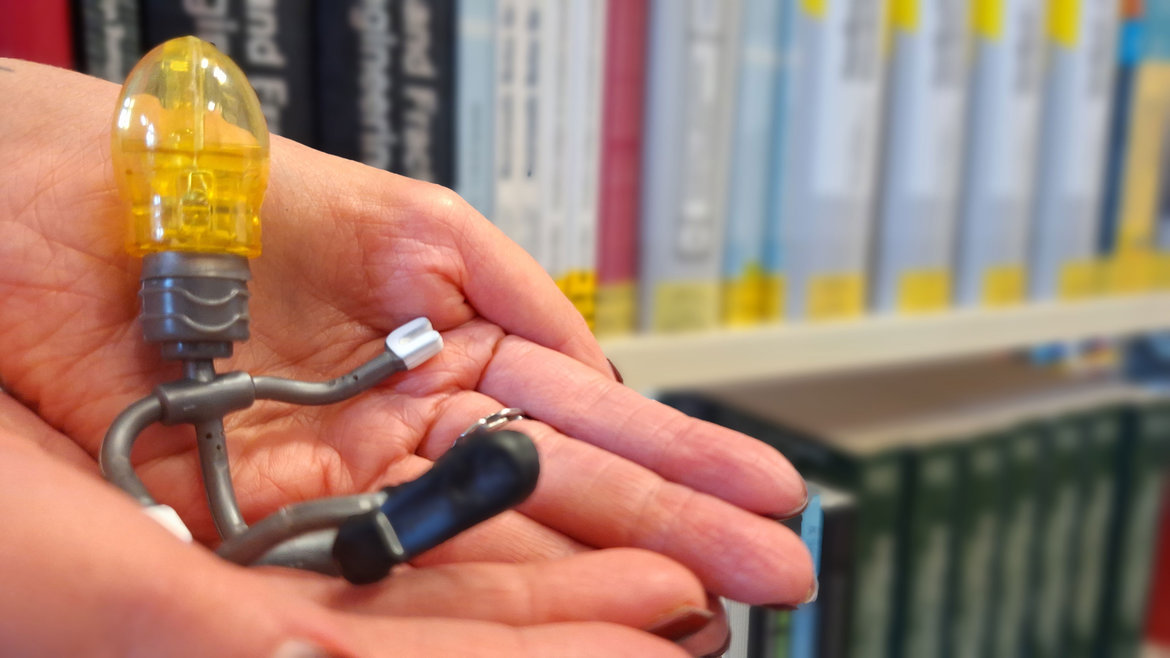 © Hochschule Anhalt
Use of operators
Search operators add further terms or characters to the actual search term in order to make the search more specific. A distinction is made between basic search operators (consisting of just one character) and advanced search operators (consisting of words or phrases). Several search operators can be combined to form a search command in order to filter the search results further.
Search queries only become really efficient with operators and search filters in the advanced search settings:
In the advanced search of our Discovery Service so-called Boolean operators are used and are displayed in the drop-down menu in front of the search term (AND, OR, NOT). Depending on the operator used, the search set is narrowed down or expanded:
AND (AND, space bar, +, ...):
If one or more terms are linked with AND, only results that contain all search terms linked with AND are displayed. The AND operator forms an intersection and thus reduces the number of search results.
It helps with homonyms (a word that can stand for several terms) by specifying the context.
Example: Mouse AND computer
Example: Printing process AND 3D printing
OR (OR):
If one or more terms are linked with OR, results are displayed that contain one or more of the search terms entered. The OR operator increases the number of search results and helps when dealing with synonyms (different words with the same or similar meaning) and different spellings.
Example: carbon dioxide OR CO2
Example: Economics OR economy
NOT (NOT; -):
This operator can be used to exclude a search term from the search query. This can be helpful, for example, with homonyms (words with the same spelling but different meanings). The NOT operator reduces the number of search results.
It helps with homonyms and to narrow down a topic.
Example: Mechanical Engineering NOT lightweight materials
In a phrase search, a word group or character string is placed in quotation marks. This searches for this exact phrase and only displays results that contain this phrase.
Example: "digital business modeling"
With truncation, a placeholder (usually an asterisk *) is placed at the end of a word. The placeholder is replaced by any number of characters or words during the search.
The word stem is searched for with all its endings.
Example: Organization* finds: Organization, organizations, organizational behaviour, organizational psychology, organizational and management research, etc.
A placeholder (usually an asterisk *) is also used here. However, the placeholder is placed in the middle of the word and then also replaced by any number of characters or words.
Example: M*er finds: Maier, Meier, Meyer, Müller, Maler, etc.
Most search services, whether database, search engine or library catalogs, have a simple and an advanced search. In contrast to the simple search, the advanced search offers various filter and sorting options. It is therefore advisable to always use the advanced search for academic research. The advanced search allows you to enter several criteria and keywords as well as narrowing down the media type, language of instruction, country and year of publication.
The library's literature search engine (Discovery Service) also offers advanced search options. Start your literature search now!
Directly to:


Faster to full text with Libkey
LibKey is an AI-supported linking technology that searches for the best source for an e-journal article and leads directly to the full text/PDF with one click. Using information about article metadata, journal holdings, source availability, open access status and library authentication, LibKey selects the most intelligent path to the desired content. This simplifies access to licensed content and open access articles from any point in the search.
The LibKey Nomad browser extension is offered by Third Iron for all common browsers and can be downloaded either directly from the manufacturer's download page or from various app stores.
- Visitthe LibKey Nomad website and install the extension for your preferred browser
- Select "Library of Anhalt University of Applied Sciences" as the organization
- The LibKey Nomad logo (small green flame) is displayed at the top right of the browser window.
Application of the CRAP test
The CRAP test (developed by Molly Beestrum, Librarian at Northwestern University, Chicago) can help to recognize suitable literature and remove dubious sources from the literature list. You can practice how to use the CRAP test at the following link: https: //www.econbiz.de/eb/gw/richtig-zitieren/crap-tests
The following 4 criteria can be used to check the scientific quality of a source:
- When was the source published?
- Is there a new edition or updates?
- Is the information still relevant to my topic?
- Do the links still work?
- Are the sources scientifically papered and is there a bibliography?
- Can the information be verified by other sources or your own knowledge?
- Does the language of instruction appear unbiased and free of emotion?
- Are there any spelling or grammatical errors?
- What references or organizational affiliations does the author have?
- Is there contact information, e.g. an imprint?
- Does the author have scientific expertise on the topic?
- What is the author's goal?
- Is the author interested in passing on scientific results - or in click figures or advertising?
- Does the publication appear objective or is an ideology (e.g. religious or political) or a subjective opinion being disseminated?
